






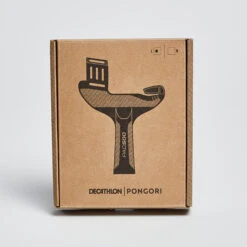
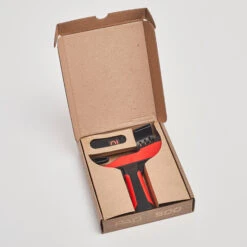

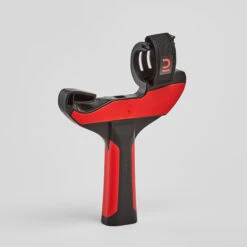
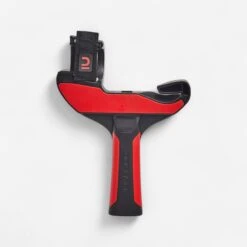



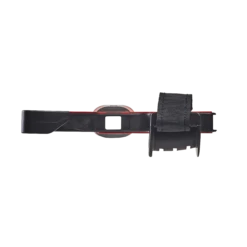
Table Tennis Left
Original price was: $12.99.$9.09Current price is: $9.09.
- Protecting Your Payment Information
- Service that stands out, online and always timely.
- We take quality seriously.
- Free Shipping Worldwide

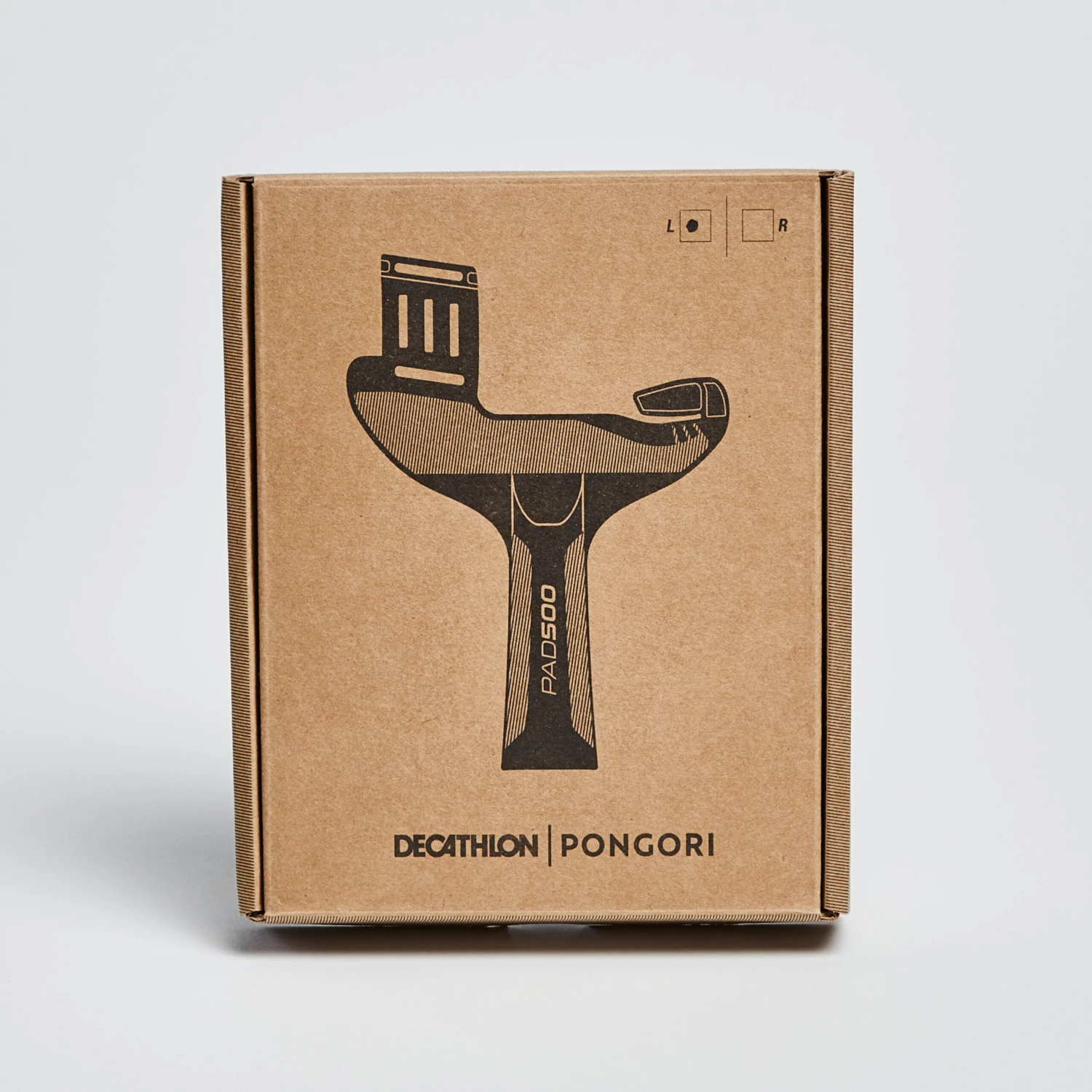
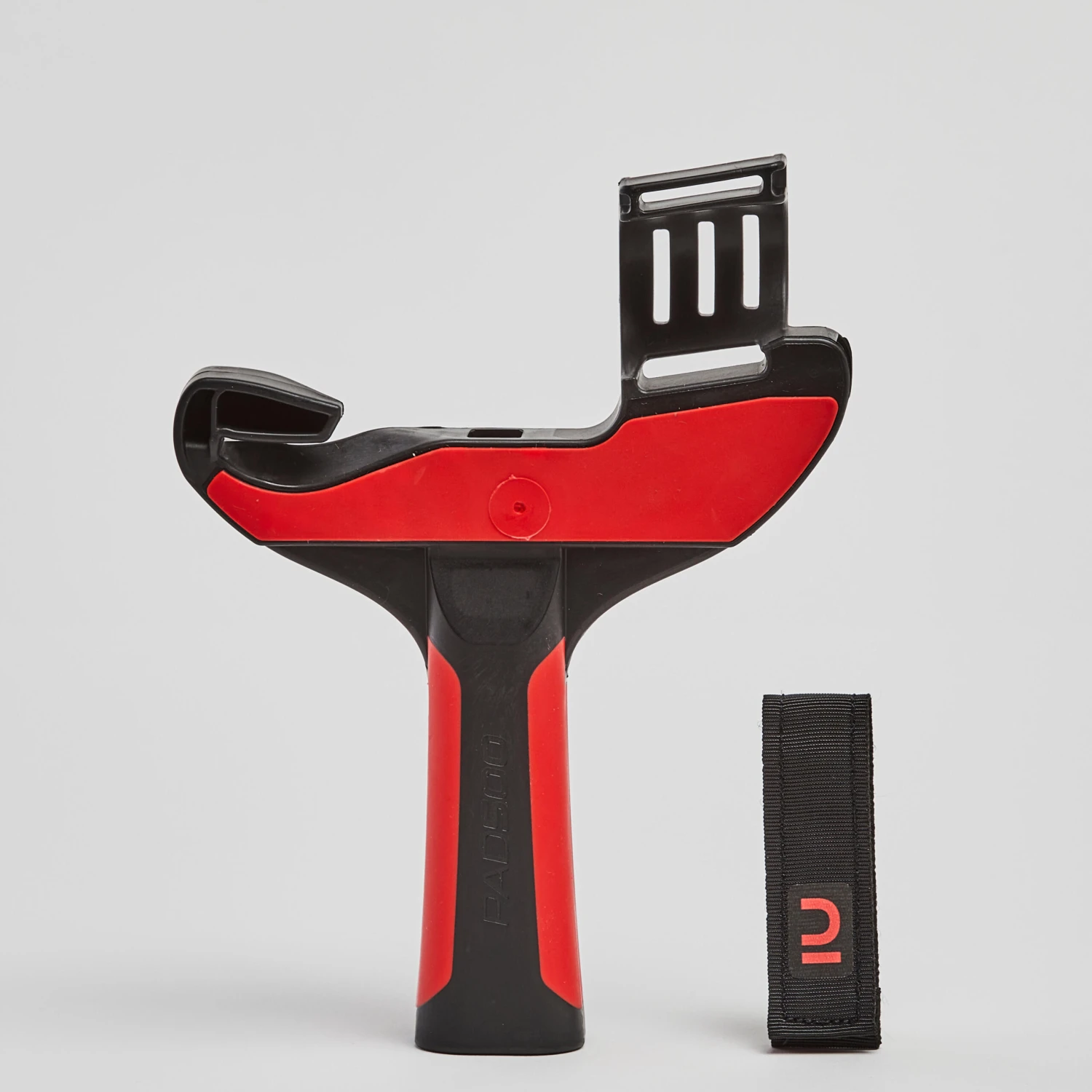
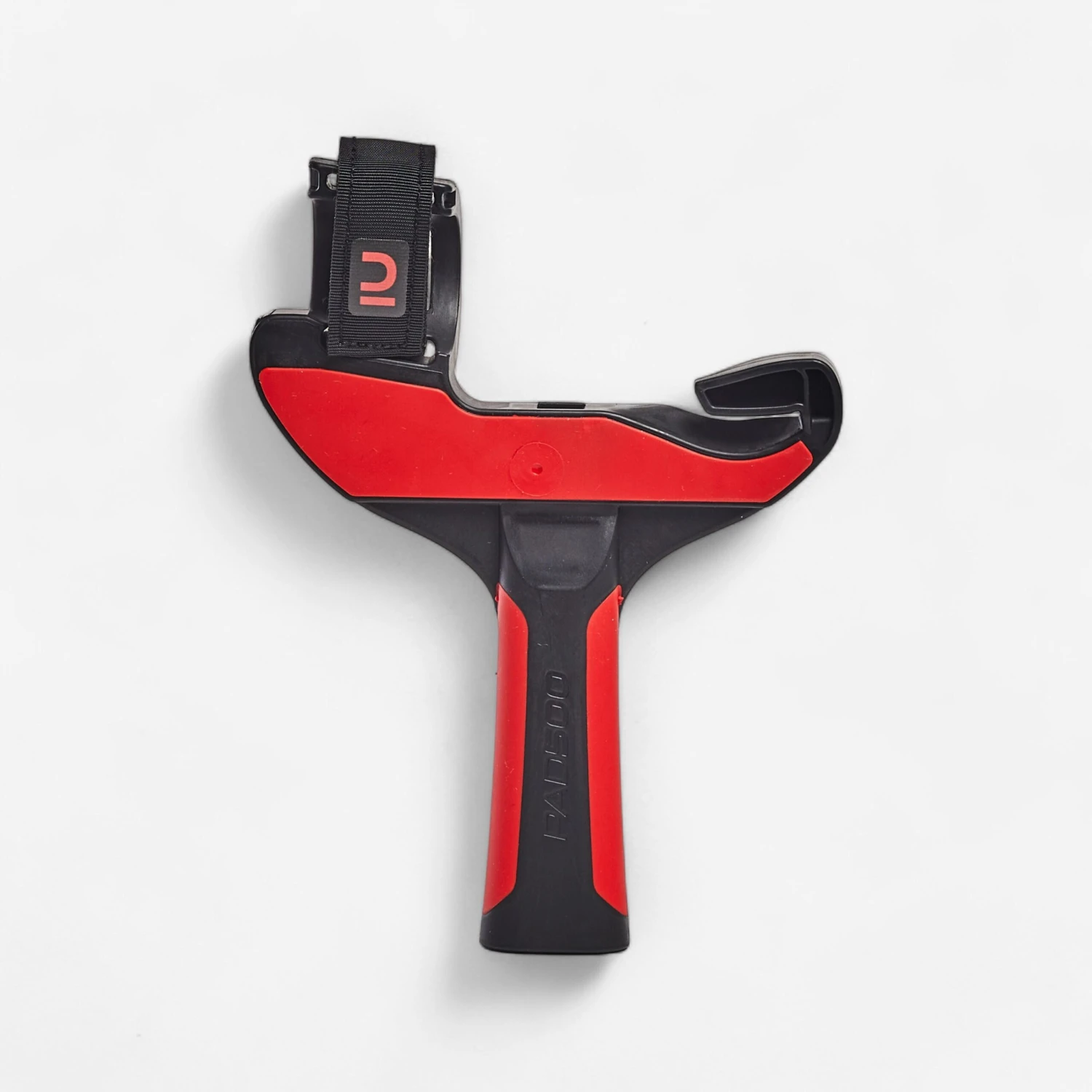
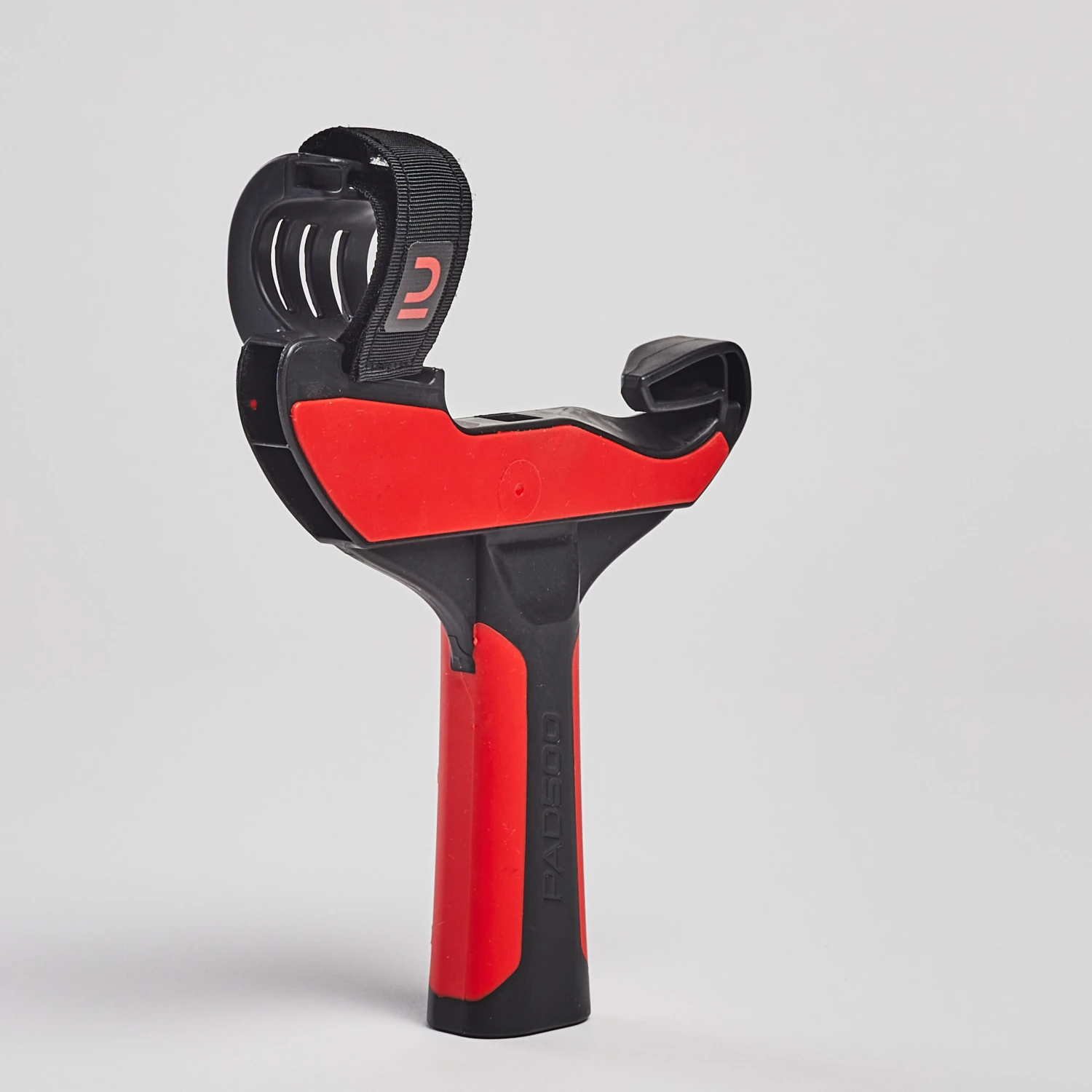
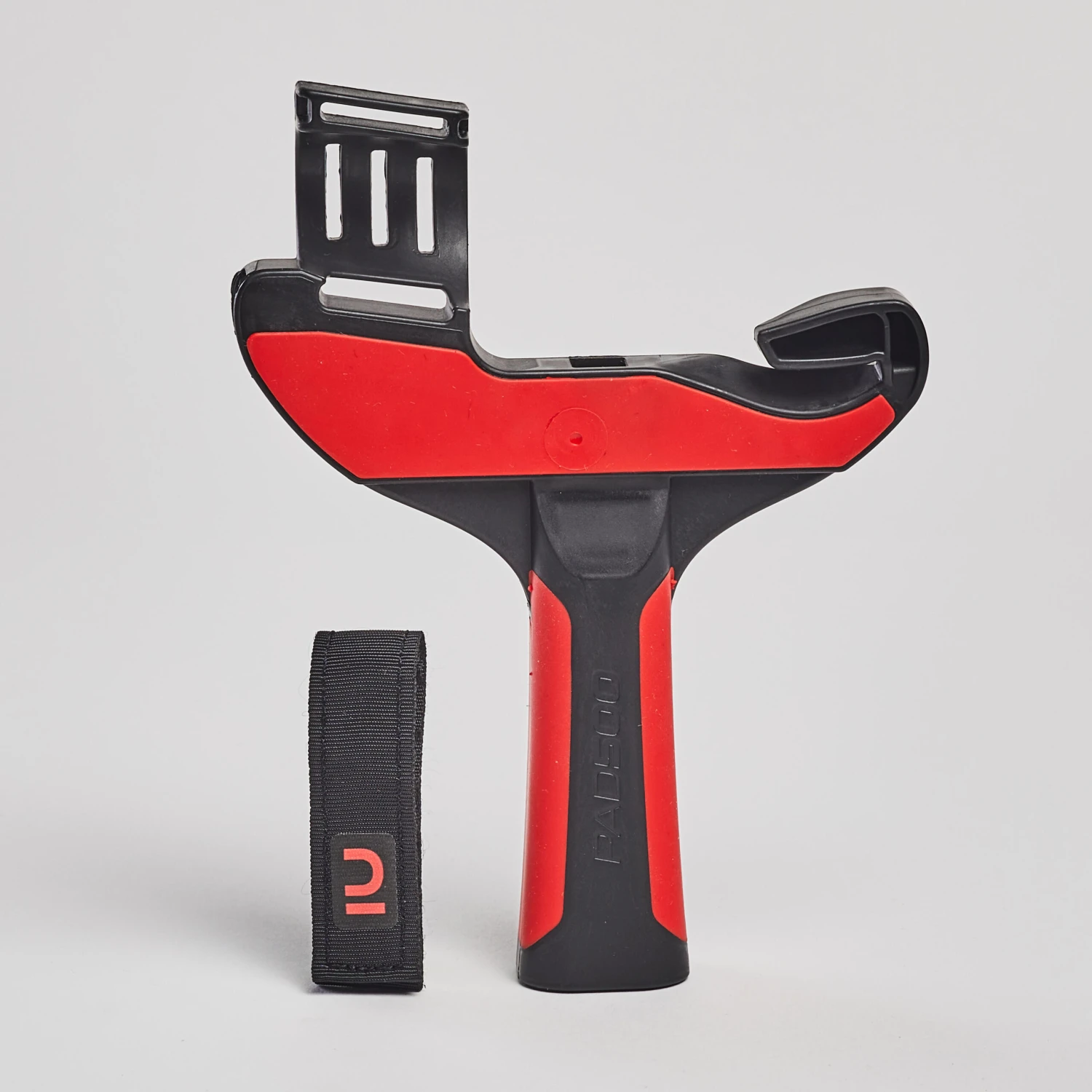
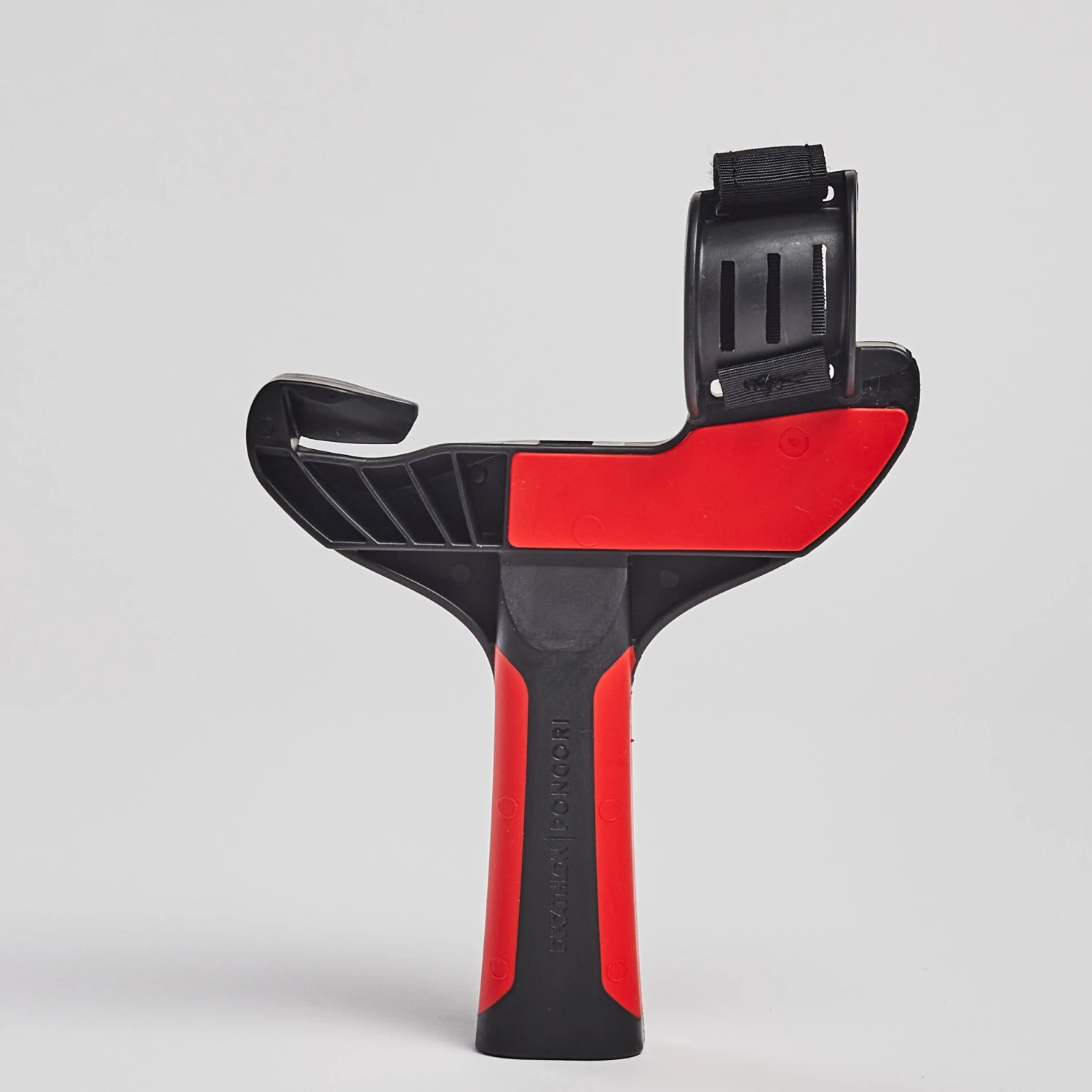
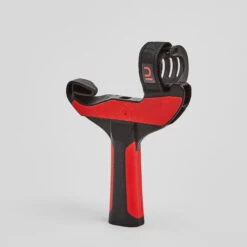
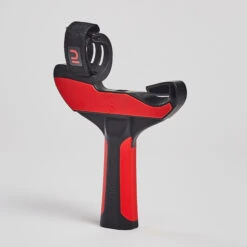
This adapter is designed for table tennis players playing in virtual reality who want the sensation of holding a racket in their hand. An adapter for playing table tennis in VR that allows you to experience the feel of real-life play thanks to its ergonomic grip and shape.
Compatibility
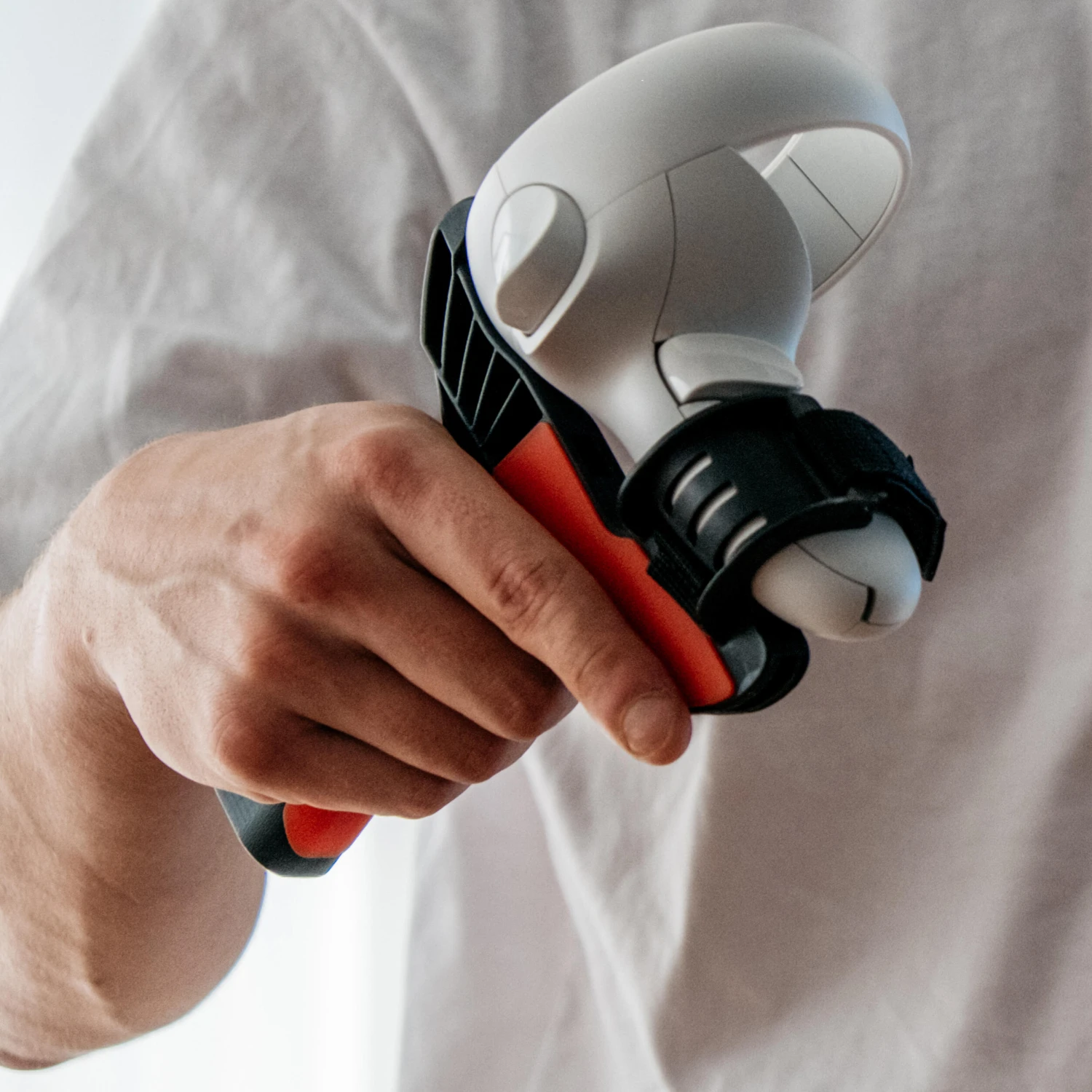
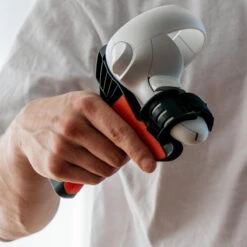
Adapter for the Oculus Quest 2 control. Designed to work best with the Eleven Table Tennis VR game.
Co-creation
Created in cooperation with SANLAKI based on their model’s spacial tracking features. Certified by FOR FUN LABS (publisher of the Eleven Table Tennis game).
Weight
This adapter is designed in such a way so that once the control is attached, the weight of the unit is similar to that of a standard competition table tennis racket.
User comfort
The handle and grip provide a comfortable feel in the hand. The grip also provides correct positioning for the index finger to provide the same level of comfort found on standard table tennis rackets.
Durability
This adapter is sturdy and designed to be shock- and fall-resistant.
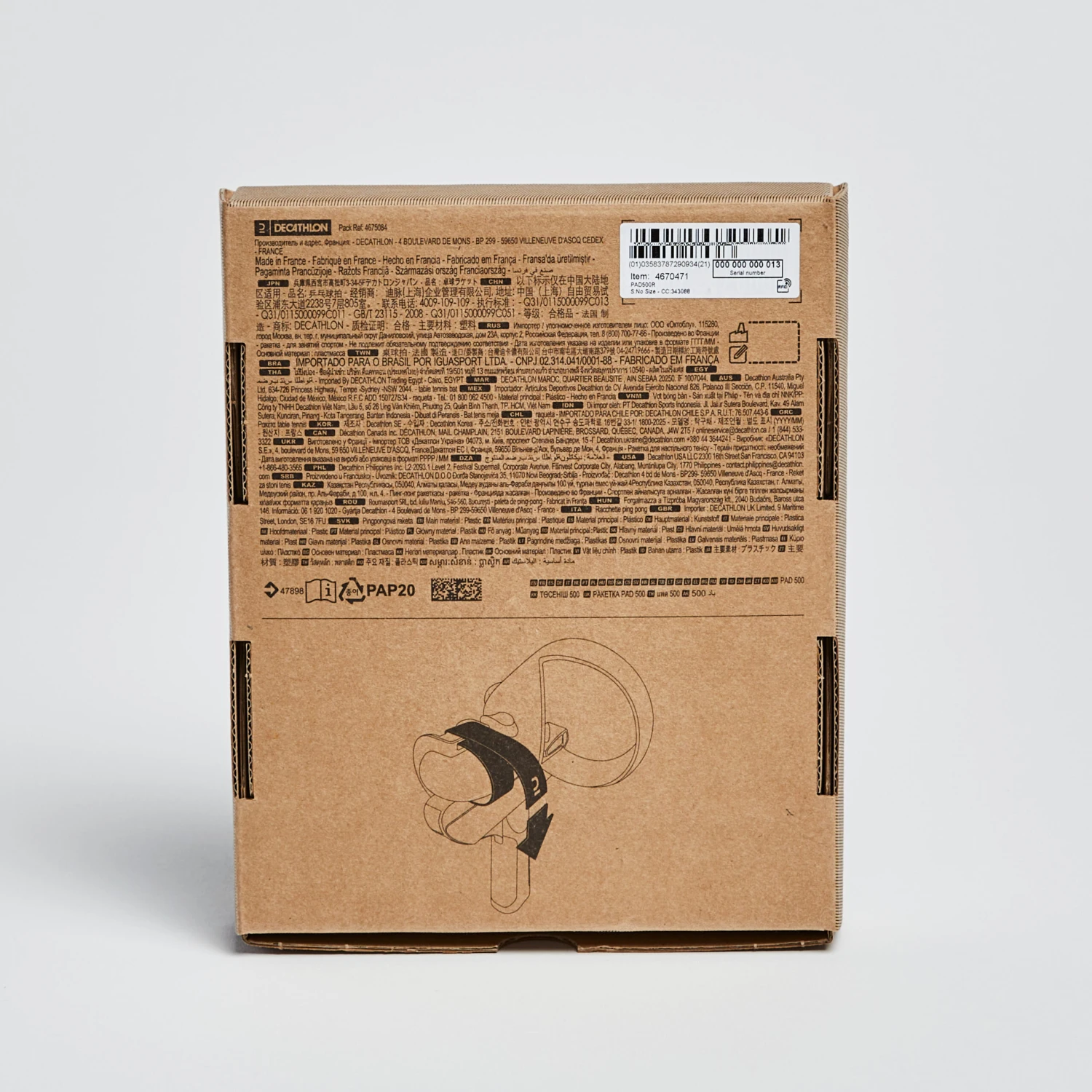
Installing the strap
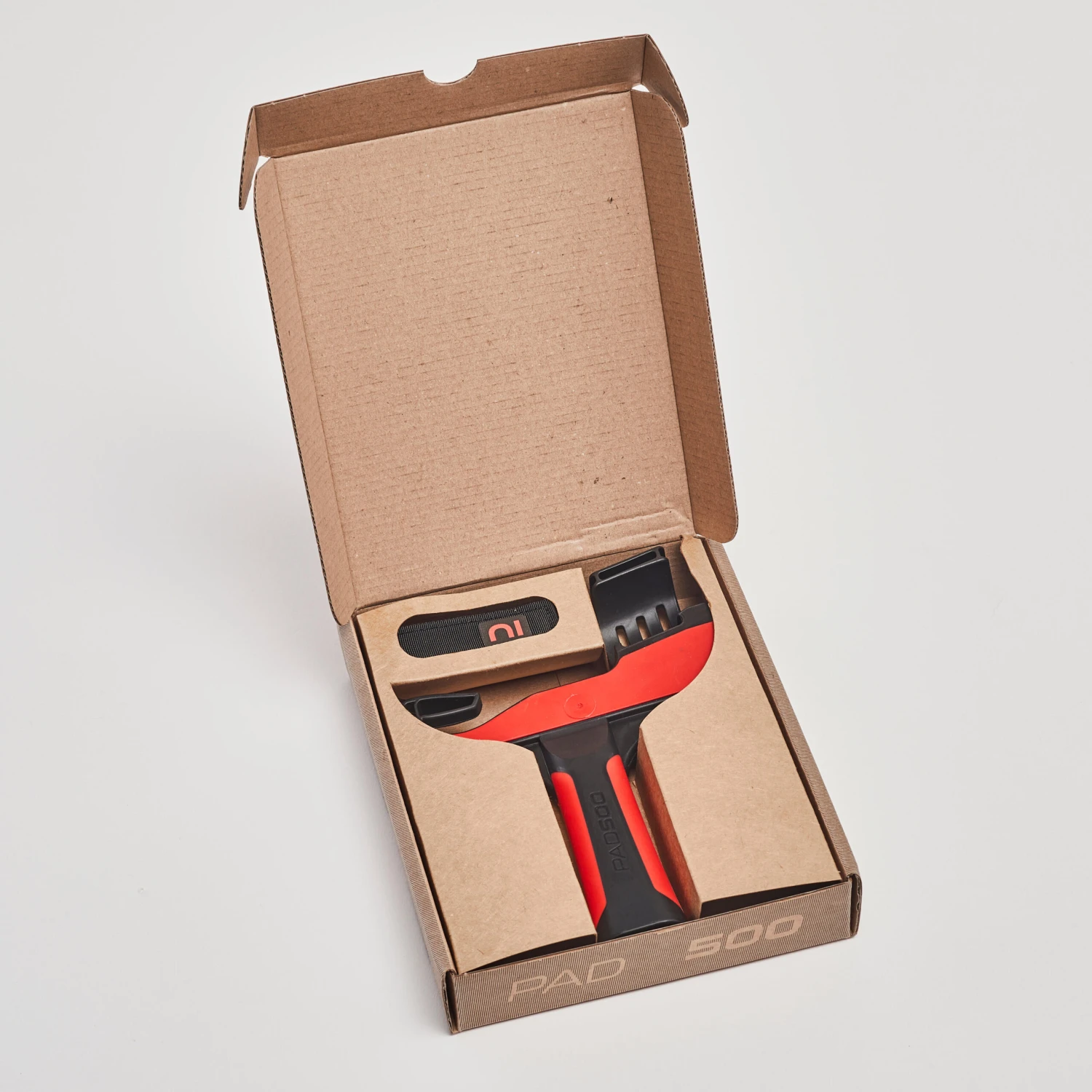
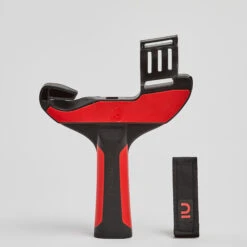
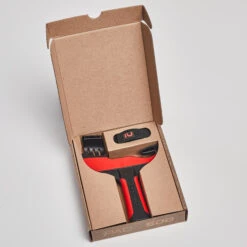
Remove the adapter and its strap from the box.
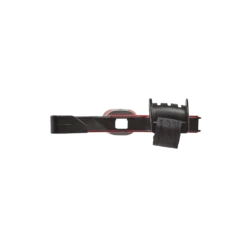
Position the strap so that it forms a small T.
Turn your PAD over so that the rounded side is facing you. With the logo facing up, insert the strap into the slot at the bottom, pushing it through from the rounded end, until it comes to a stop against the adapter.
Positioning the controller
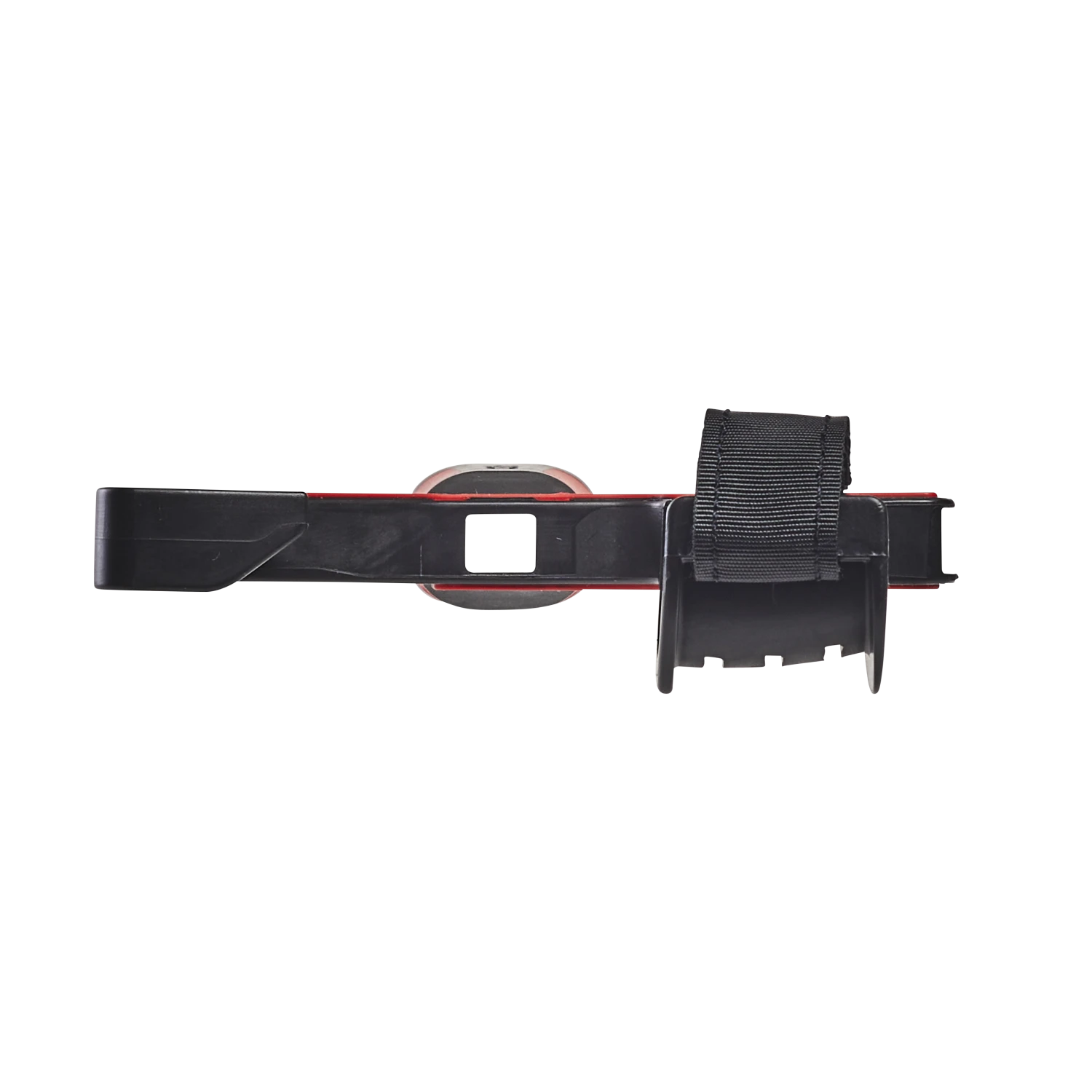
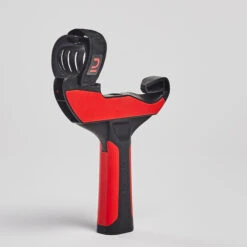
Slide your Oculus Quest 2 controller into the adapter, starting with the disc and then the handle.
Once the controller is in place, wrap the strap around the handle and push it through the second slot.
Use the rip-tab to do up the strap tightly. The logo should be visible once you’ve done all this.
| COLOUR | BLACK / Bright red |
|---|
Be the first to review “Table Tennis Left”
Related products

Outdoor Table Tennis Tables
Indoor Table Tennis Tables
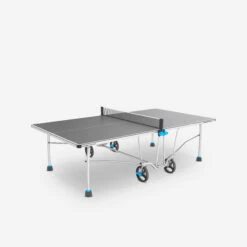
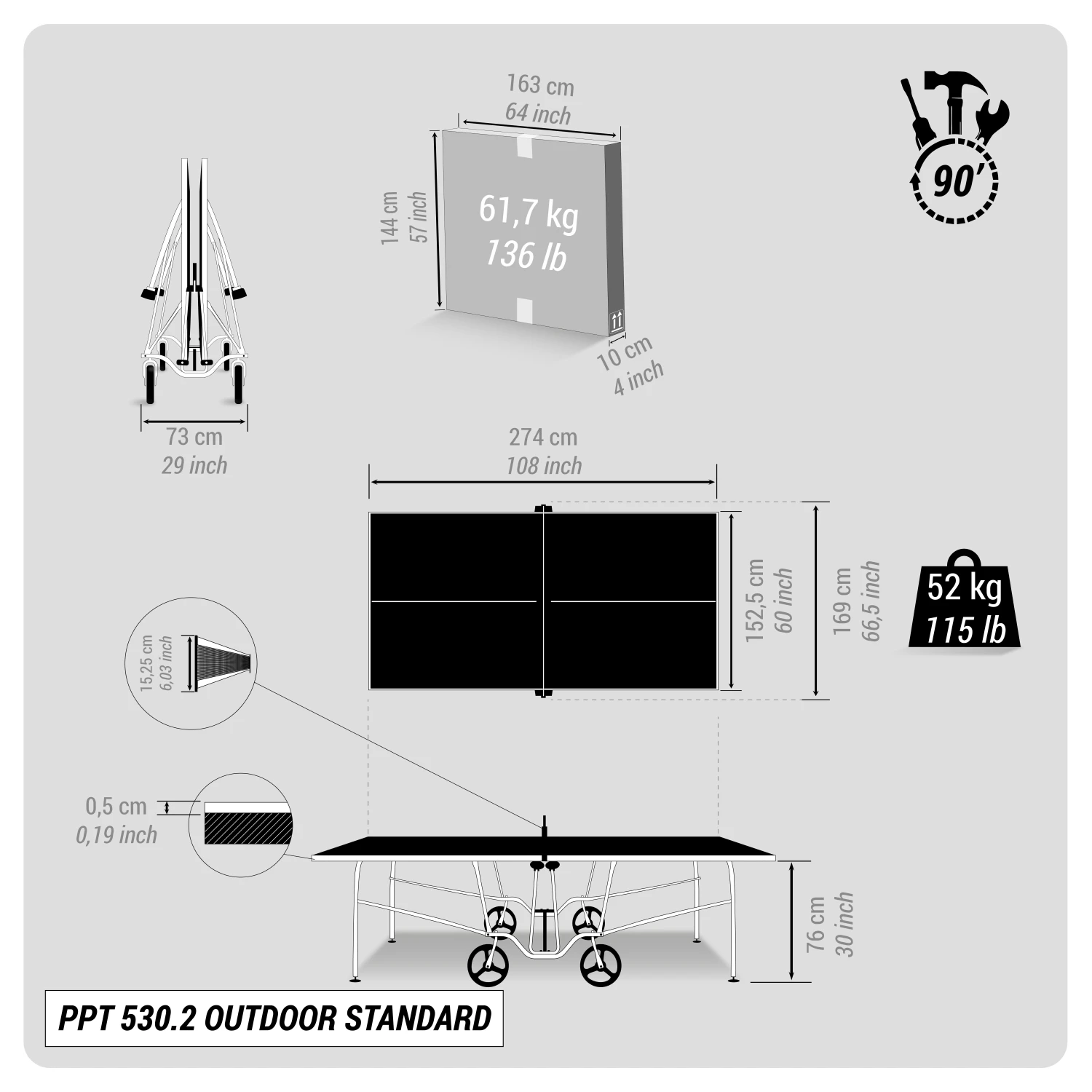
Outdoor Table Tennis Tables
Indoor Table Tennis Tables
Table Tennis
Table Tennis

Table Tennis
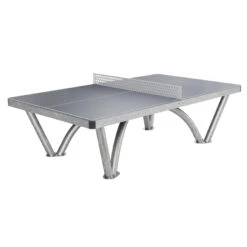

Outdoor Table Tennis Tables
Reviews
There are no reviews yet.